Shift Swap Apps: How to Choose One Your Team Will Actually Use
Most teams start swapping shifts in a group chat. It works right up until it doesn't: two people think they covered the same Friday, a swap gets agreed at 11pm and nobody tells the manager, and the schedule on the wall no longer matches who is actually turning up.
A shift swap app is the fix, but only if your team opens it. Half the tools in this category are full workforce-management suites where swapping is a buried sub-feature, and the other half are simple enough that they skip the rules that keep coverage safe. This guide is the checklist we'd use to tell them apart.
If you're still deciding whether to formalize swapping at all, start with how shift swapping works, then come back here to pick the tool.
What a Shift Swap App Has to Do
Strip away the marketing and there are only five jobs.
- Show who is working when — for the whole team, not just the person logged in. Swapping is impossible if you can't see who's free.
- Let someone offer a shift without naming a replacement first. Most swaps start as "can anyone take my Tuesday?", not as a matched trade.
- Let someone claim or counter-offer — either picking up the shift outright, or proposing one of their own in exchange.
- Record the outcome so the schedule updates and both people can prove what was agreed.
- Tell the right people — the two employees, and whoever needs to approve it.
If a tool can't do all five, you'll end up back in the group chat for the missing step, and once you're partly in the group chat you're fully in the group chat.
The Checklist
1. Two-way swaps and one-way pickups
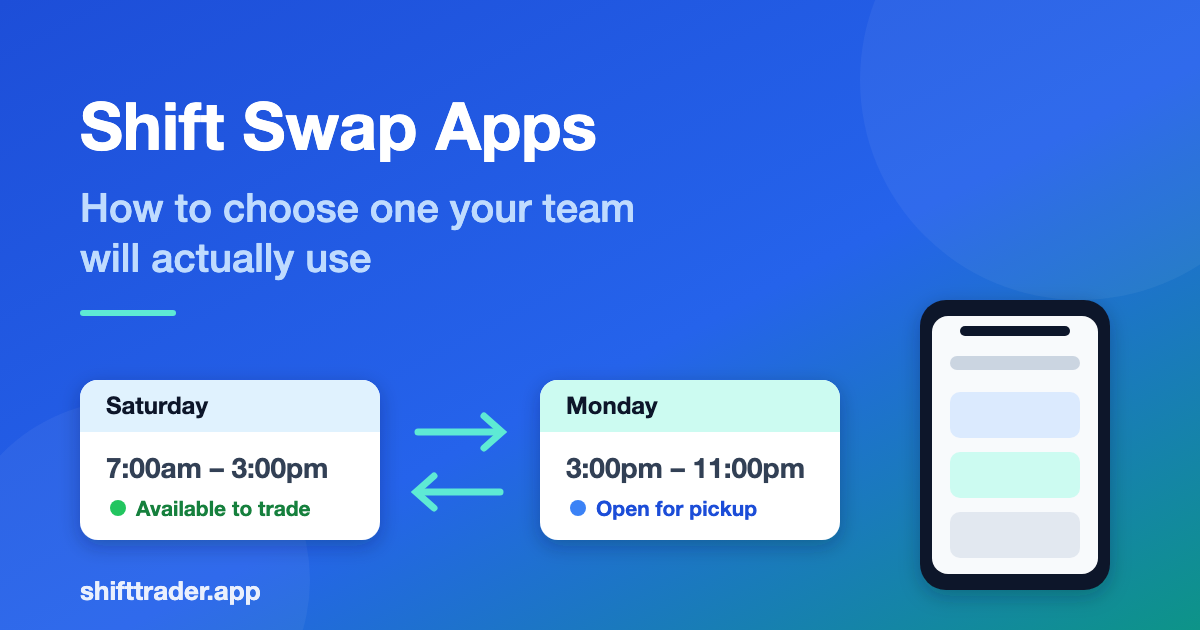
These are different transactions and teams need both. A swap is an exchange: I take your Saturday, you take my Monday. A pickup is one-way: I'm giving up my Saturday and someone takes it, with nothing coming back.
Tools built around swaps only will force a fake exchange for what is really a pickup. Tools built around pickups only can't handle "I'll trade you" — the most common request when both people are already at full hours. Check that the app treats them as separate actions with separate approval paths.
2. Approval that matches your policy
Ask what happens after two employees agree. The options are usually:
- Auto-approved — the swap goes through, the manager is notified
- Manager approval required — the swap is pending until someone signs off
- Conditional — auto-approved inside the rules, escalated when it breaks one
Conditional is what most teams actually want, but it's only useful if the rules are ones you can set. If you haven't written your rules down yet, our shift swap policy template covers the six clauses worth defining before you configure anything.
3. Coverage and eligibility checks
The failure mode nobody plans for is a swap that is agreed, approved, and wrong: the covering employee isn't trained for that station, or is now scheduled for 16 hours straight, or has just crossed into overtime.
Look for checks on:
- Overlapping shifts — the app should refuse a pickup that collides with something the employee already has
- Maximum duration — a shift plus a picked-up shift can quietly become a double
- Role or skill — whether only qualified staff can take a given shift
- Hours and overtime — at minimum, visibility into the total before the swap is confirmed
Overlap detection is the one to test in a trial. Create two shifts an hour apart and try to pick up the second. If the app lets you, it will let your team do it too.
4. Notifications people will actually see
A swap request that sits unread is a shift that goes uncovered. Email works for planned swaps days out. For anything inside 24 hours, you need something that arrives faster — push, SMS, or at least an in-app counter people check.
Ask two questions: does the requester find out when someone claims their shift, and does the manager find out when a swap is pending their approval? Plenty of tools do the first and not the second.
5. Phone-first, genuinely
Your team is not filling in a swap request from a desk. They're doing it in a break room, one-handed, on a phone that's about to go back in a pocket.
Test it on a phone before you commit. Count the taps from opening the app to posting a shift as available. If it's more than four, or if any step needs a two-handed date picker, adoption will be poor no matter how good the rest of the tool is.
6. What "free" actually covers
Searches for a free shift swap app usually turn up one of three things:
- Free tier with a seat cap — fine for a single team, breaks when you add a second location
- Free trial — full features for 14–30 days, then a per-user price
- Free but ad-supported or limited — often missing approvals or notifications, which are the two things you needed
None of these are dishonest, but they answer different questions. If you're a small team who wants swapping to stop eating your evenings, a genuine free tier is enough. If you're rolling out across sites, price the per-user cost at your real headcount before you get attached.
7. Setup cost
The hidden expense in scheduling software is getting your team into it. Check what onboarding requires:
- Do employees need a password, or can they sign in with a code sent to their email?
- Does someone have to import the roster first, or can employees enter their own shifts?
- Can a new hire join with a code from a coworker, or does an admin have to provision them?
A tool that needs a full roster import and manager-provisioned accounts is a project. A tool where the first employee creates a group and shares a join code is an afternoon.
Questions to Ask in a Trial
Run these five before you decide. Each one takes a minute and each one has burned a real team.
- Post a shift as available, then pick it up from a second account. Did both people get told?
- Try to pick up a shift that overlaps one you already have. Were you stopped?
- Have two people request the same shift. What happened to the second request when the first was accepted?
- Delete a shift that has a pending swap attached. Did anything break?
- Do all of the above on a phone. How did it feel?
The third and fourth are the ones tools quietly get wrong, and they're the ones that produce the "I thought I had that covered" conversation three weeks later.
Where Shift Trader Fits
Shift Trader is built around exactly the two transactions above: propose a trade when you want an exchange, or offer a shift for pickup when you just need it covered. Shifts are entered one-handed, coworkers in your group see them immediately, overlapping shifts are rejected before they're created, and both sides get an email when something changes. Sign-in is a six-digit code — no passwords to reset.
Teams join with a numeric group code, so the first person can set it up and everyone else is in within a day.
The Short Version
Pick the tool that handles both swaps and pickups, checks for overlaps before it confirms anything, notifies the manager and not just the employees, and works one-handed on a phone. Write your policy first so you know which rules you're configuring. Then test it with two accounts and a deliberately bad swap — that's where the differences show up.