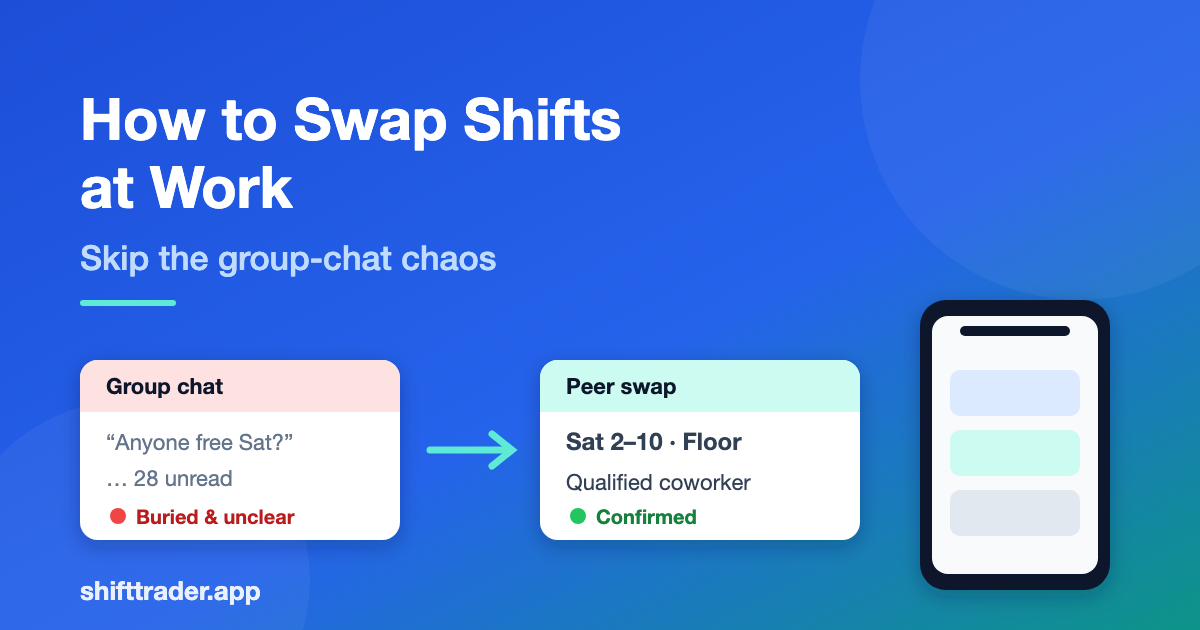
How to Swap Shifts at Work (Without the Group-Chat Chaos)
You’ve got a shift you can’t work. Your coworker might take it—if you can find them in time. For most teams, that still means a blast to a group chat, a trail of “anyone free Sat?” messages, and hoping the right person sees it before the manager has to scramble.
Shift swapping doesn’t have to work that way. Whether you use a shared spreadsheet, a text thread, or a dedicated shift swap app, the goal is the same: trade coverage with a qualified coworker, keep the schedule accurate, and stay inside your workplace rules.
This guide walks through a practical process for how to swap shifts at work, what to check before you post, and how a free peer marketplace like ShiftTrader can replace the chaos without turning into heavy employer scheduling software.
What “shift swapping” actually means
Shift swapping (or trading a shift) is when one employee hands off a scheduled shift to another coworker who is allowed to work it—usually with manager approval when your policy requires it. It’s peer-to-peer coverage among people who already work together, not posting open work to the public or hiring a stranger from a gig app.
That distinction matters:
- You’re trading with coworkers in your workplace (or team group).
- Your employer’s rules still apply (qualifications, overtime, notice windows, approval).
- The win is flexibility for you and reliable coverage for the team—not replacing your scheduler.
Why group chats break down
Group texts and Slack threads feel fast until they don’t:
- Messages get buried under unrelated chat.
- Multiple people say “I can take it,” then nobody knows who’s actually covering.
- Qualifications get skipped (“Can you work nights?” “Are you trained on that station?”).
- Managers still chase confirmation after the fact.
- There’s no clean record of who traded what.
If your team’s “system” is a chaotic thread, you’re not alone—and you don’t need a full workforce platform to fix it. You need a clearer trade my shift workflow.
Step-by-step: how to swap a shift at work
Use this sequence whether you’re coordinating manually or with an app.
1. Check your workplace rules first
Before you post anything:
- Confirm shift swaps are allowed for your role and location.
- Note approval rules (manager sign-off, lead nurse, supervisor, etc.).
- Check qualification rules (role, department, certifications, training).
- Watch notice windows and blackout dates (holidays, inventory, peak weekends).
- Confirm overtime / hours limits so a trade doesn’t create a compliance issue.
If you don’t know the policy, ask your manager once and save the answer. A clear rulebook prevents last-minute surprises.
2. Be specific about the shift you’re offering
Vague posts waste everyone’s time. Include:
- Date and day of week
- Start and end time
- Location / unit / department (if relevant)
- Role or station (cashier, floor, ICU, receiving, etc.)
- Any must-know details (closing duties, required keys, training)
Clear details help the right coworker self-select—and reduce back-and-forth.
3. Share the request where coworkers will actually see it
Options, ranked from messy to structured:
- Group text / chat (fast, but easy to lose)
- Shared spreadsheet or whiteboard (better record, still manual)
- A peer shift swap app built for coworkers (organized requests, notifications, less spam)
If your team already uses ShiftTrader, posting inside the group keeps the request visible to people who can actually cover you—without blasting a noisy thread.
4. Confirm the coworker is qualified and available
Before you lock anything in, verify:
- They’re allowed to work that shift type.
- The swap doesn’t create a double-book or conflict with their existing schedule.
- They’re committing to the full shift (not “maybe for a few hours”).
Good coverage is qualified coverage—not the first person who replies.
5. Get the required approval (if your policy needs it)
Many workplaces require a supervisor or manager to approve the trade. Treat approval as part of the process, not an afterthought:
- Submit the trade details clearly (who’s giving, who’s taking, date/time).
- Wait for confirmation before you assume you’re free.
- Keep a record (app confirmation, email, or written approval).
6. Update the schedule of record
The swap isn’t done until the official schedule reflects it. Make sure:
- The person covering shows on the schedule.
- You’re removed (or marked traded) for that slot.
- Any timekeeping / punch expectations are clear for both of you.
A simple checklist before you hit “post”
- Policy allows the swap
- Shift details are complete (date, time, location, role)
- Coworker is qualified
- No obvious schedule conflict
- Approval path is clear
- Official schedule will be updated after confirm
When a shift swap app helps (and when it doesn’t)
A peer marketplace helps when:
- Your team trades often and group chat can’t keep up.
- People miss messages and shifts go uncovered.
- You want organized trade requests and clearer confirmations.
- Managers want less admin chasing “who’s covering what?”
Traditional employer scheduling tools (think category software like 7shifts, When I Work, Homebase, Deputy, Shyft, or Sling) are built around team schedules, timekeeping, and manager-led workflows. That’s useful—but it’s a different category from a free peer marketplace where coworkers post and pick up shifts among themselves.
ShiftTrader sits on the peer side: coworkers trade and pick up shifts inside a team group, with a free forever model and no credit card required to get started. It’s designed to reduce group-text chaos—not to replace your entire HR stack.
Common mistakes to avoid
- Posting too late. Give teammates a realistic window to respond.
- Skipping qualifications. A willing coworker who can’t work that unit isn’t coverage.
- Assuming “yes” in chat equals approved. Policy still rules.
- Double-covering. Two people think they own the same shift.
- Leaving the official schedule stale. If the roster doesn’t update, confusion returns on shift day.
Quick example (retail floor)
You’re scheduled Saturday 2–10 and have a conflict. You post the shift with store and role details. A coworker who’s trained on your station and free that day requests it. You accept, your lead approves per policy, and the schedule updates. You didn’t need a 40-message group thread—you needed a clear trade path.
Ready to leave the group-chat scramble?
If your team is ready for organized shift swapping among coworkers, start with ShiftTrader—the free peer marketplace for trading and picking up shifts.
Get started free on ShiftTrader →
Free forever. No credit card required. Setup in minutes.