Trade My Shift With a Coworker — A Practical Guide
Life happens: appointments, family conflicts, last-minute changes. When you need to trade my shift with a coworker, the goal is simple—find someone on your team who can cover you, follow your workplace rules, and leave the schedule clear for everyone else.
This is peer coverage among people who already work together. It’s not posting a job to the public, and it’s not a gig marketplace. You’re asking a qualified teammate to take your shift (often with manager approval), so the store or site still runs smoothly.
Below is a practical guide you can use the next time you need coverage—plus how ShiftTrader’s trade and pick-up flows fit the same coworker model.
The coworker trade mindset
A good trade has three outcomes:
- You’re free of the shift you can’t work.
- A qualified coworker is locked in to cover it.
- The schedule of record matches reality (and any required approval is done).
If any one of those is missing, you don’t have a completed trade yet—you have a maybe.
Retail example: Saturday closing you can’t work
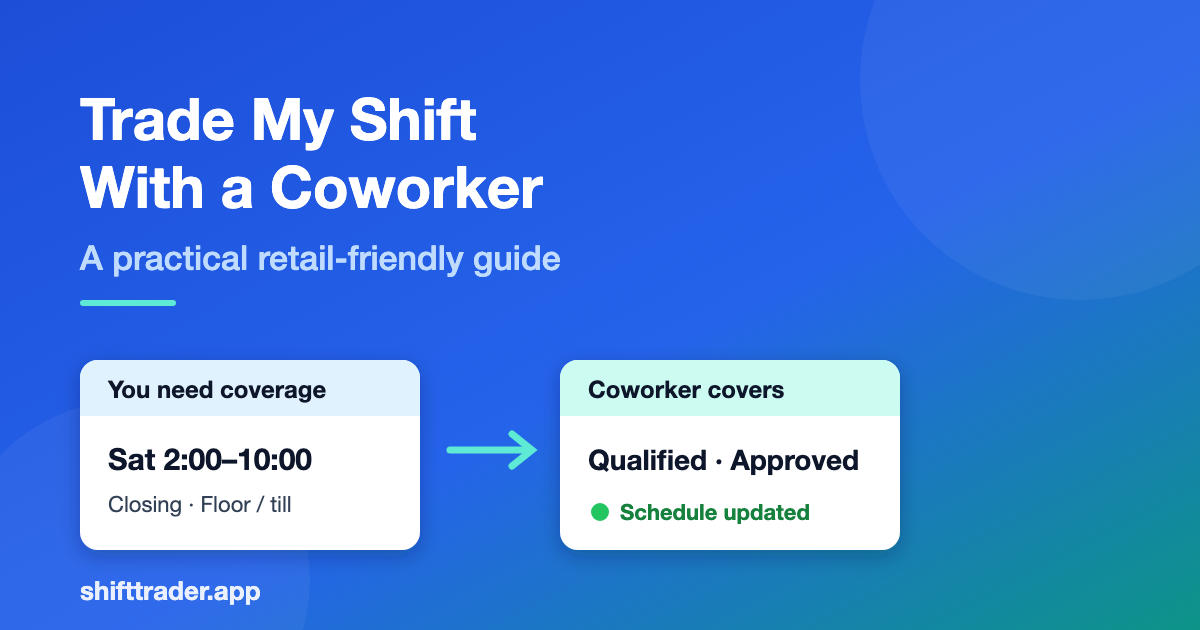
Imagine you’re on a retail floor schedule: Saturday 2:00 PM–10:00 PM, closing shift, customer-facing role with till access. You have a conflict and need a coworker to take it.
Here’s a clean path from “I can’t work” to “it’s covered.”
Step 1: Confirm you can trade that shift
Before you message anyone:
- Check whether shift trades are allowed for your role and location.
- Note if a lead or manager must approve.
- Confirm training requirements (register, keyholder, specific department).
- Watch blackout rules (holiday weekends, inventory nights, big sales events).
Retail policies vary by store. When in doubt, ask once and save the answer for next time.
Step 2: Write the shift details like a coworker would need them
Skip “Can anyone take my shift??” Vague posts create more questions. Include:
- Day and date (e.g., Saturday, March 14)
- Hours (2:00 PM–10:00 PM)
- Location / store if your group spans more than one site
- Role or station (cashier, floor, stockroom, closing keyholder)
- Anything that affects who can take it (register trained, closing duties)
Clear details attract the right coworker faster.
Step 3: Offer the trade where your team actually coordinates
Options:
- Team chat (fast, easy to lose)
- A shared list or whiteboard in the break room
- A peer tool where you post the shift and qualified teammates respond
If your team uses ShiftTrader, the trade flow is built for this: post the shift you need covered, get responses from coworkers, then confirm—without a 30-message thread.
Step 4: Match with a coworker who’s actually qualified
In retail, “available” isn’t enough. Prefer someone who:
- Is trained for that station or role
- Can work the full window (including close)
- Won’t create an obvious schedule conflict or overtime issue your store tracks
- Understands any closing checklist or cash procedures
A willing teammate without the right training isn’t reliable coverage.
Step 5: Confirm the trade—and the approval path
Once someone agrees:
- Lock in who’s giving and who’s taking.
- Submit for manager/lead approval if required.
- Wait for the yes before you plan your Saturday elsewhere.
- Make sure the official schedule is updated.
Chat “I’ll take it” is not the same as an approved, scheduled trade.
Step 6: Close the loop on shift day
A professional trade ends with:
- The covering coworker showing as scheduled
- You not expected to punch in for that slot
- Any handoff notes passed along (promo setup, stock issues, closing quirks)
That’s how peer swaps stay trusted with leads and managers.
What the covering coworker should do
If you’re the one picking up a shift, treat it like your own scheduled work:
- Confirm date, time, role, and store.
- Check you’re allowed to work that shift type.
- Accept only what you can fully cover.
- Show up ready—your teammate’s reputation (and yours) rides on it.
Picking up shifts for coworkers is also how teams build goodwill: you help now, and coverage is easier to find when you need it later.
Manual trade vs a peer marketplace
| Approach | Pros | Cons |
|---|---|---|
| Group chat | Fast to start | Messages get buried; unclear ownership |
| Spreadsheet / whiteboard | Visible to some | Easy to forget updates; no alerts |
| Peer marketplace (ShiftTrader) | Organized posts, responses, clearer confirmations | Team needs to join the same group |
ShiftTrader’s public trade and pick-up pages describe the same coworker loop: post a shift → get responses → confirm coverage; or browse shifts teammates posted and pick up hours that fit your schedule. It’s free forever, with no credit card required to start.
Checklist: trade my shift with a coworker
If you’re giving the shift
- Policy allows the trade
- Shift details are complete
- Coworker is qualified
- Approval submitted (if required)
- Schedule of record updated
If you’re taking the shift
- You can work the full shift
- You’re trained / allowed for that role
- No conflict with your existing schedule
- You’ve confirmed acceptance (and any approval)
- You know where to show up and what the shift includes
Ready to trade—or pick up—a shift with your team?
When you need coverage, post the shift and find a coworker. When you have availability, pick up hours your teammates need covered.
Trade my shift →
Pick up shifts →
Free forever. No credit card required. Setup in minutes.